Keep your browser history past 90 days.
Save a local archive of your browsing history beyond Chrome's 90-day window. Start with the history Chrome still has and save future visits locally. Search titles and URLs free. Deleted history needs an existing backup; it cannot be recreated. Optional paid search finds words inside pages captured after you enable it.
- Browsing data stays local
- Works offline
- Export any time

life jacket.
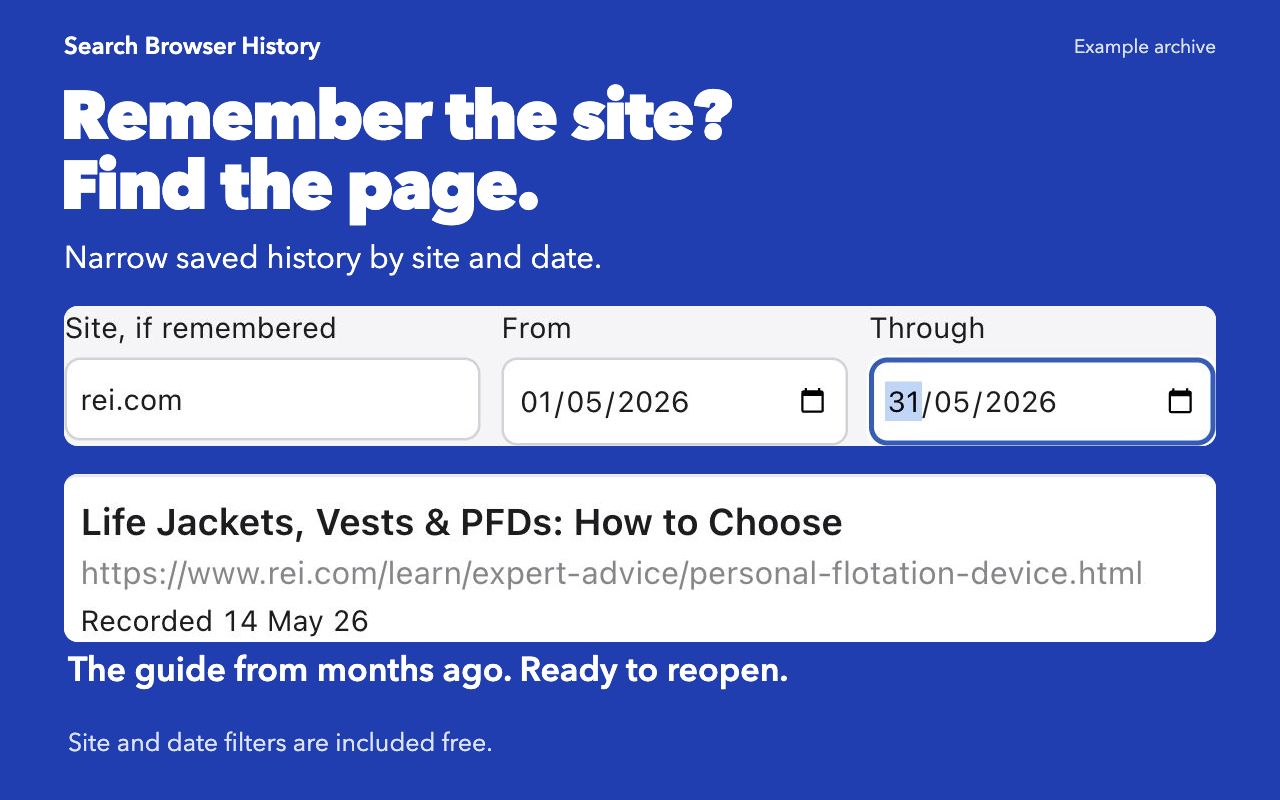
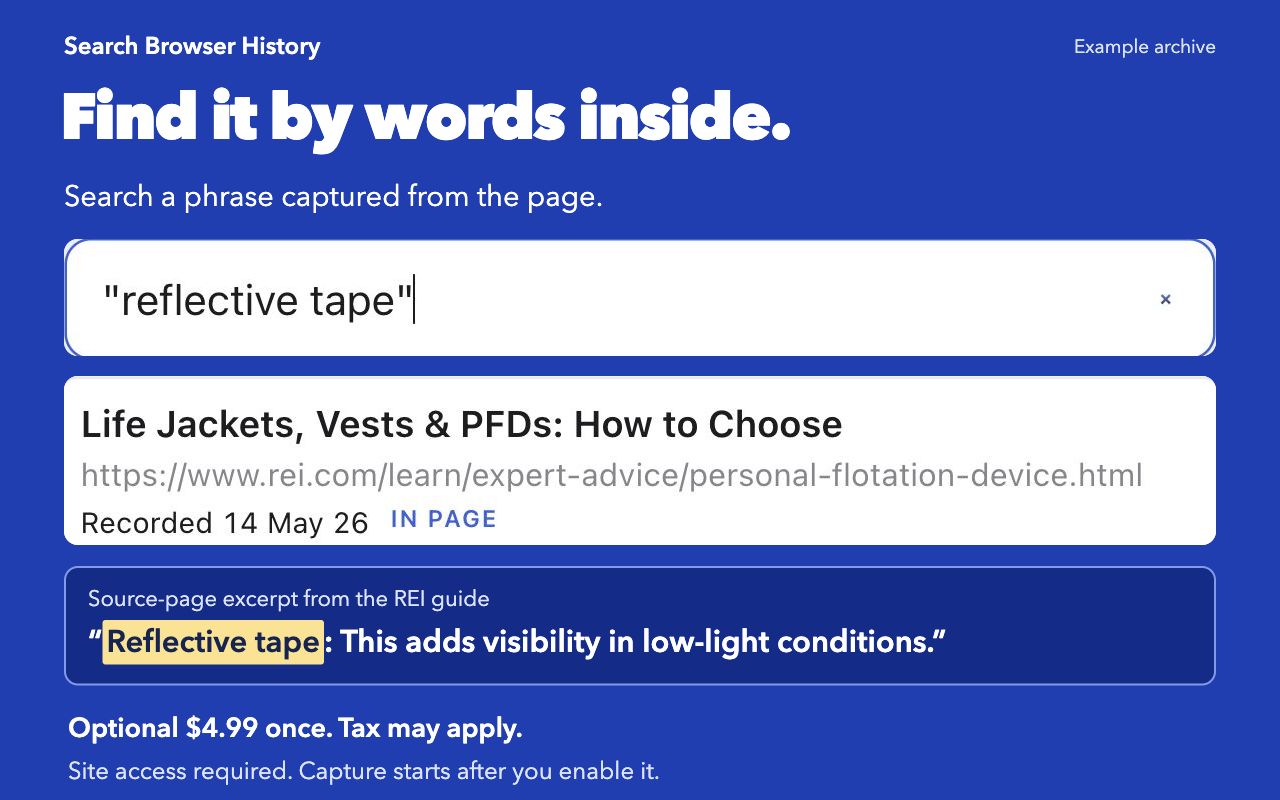
Real 1.0.3 interface with an example archive and illustrative visit dates. The guide and quoted excerpt are from REI. Your archive starts with available Chrome history and keeps future visits; it cannot recreate records already deleted without an existing backup.
What the paid version adds
The free version searches titles and addresses, and keeps them past Chrome's ninety days. $4.99 once adds search the text inside the pages, not just their titles.
Before you install
Can this recover history Chrome already deleted?
Only if you have an older backup to import. Installation starts with history Chrome still has and saves future visits. The archive stores one record per URL. Date filters match its first-to-latest recorded visit interval.
Where does the archive live?
In your Chrome profile on this computer. Browsing data is never uploaded. Only licence activation and validation contact our server.
What happens when I delete history in Chrome?
By default, recent entries are removed from the archive too. Entries last visited more than 80 days ago are kept, including when you clear all Chrome history. To remove those, use Delete the entire archive in Settings.
Can I get my data out?
Yes, the whole archive, at any time, from the settings page. It restores as well.
Which sites are never recorded?
The default list excludes selected mail, sign-in, banking and health sites. You can edit it in Settings. Excluded pages are skipped before text capture. Existing saved records remain until you remove them.